
Connecting a custom domain to your membership site
It sounds like the technical end of running a membership site, so people put it off. It really is a 20-minute job - here's the plain-English version, start to finish.
A custom domain is just the address people type to land on your site - the eastsideaqua.org.au bit - instead of the long, forgettable web address your membership site came with when you first set it up. That's the whole of it, really. It tends to get filed in people's heads under "technical stuff to sort out later", and later has a way of never quite arriving, which is a shame, because connecting a domain is one of the cheaper and more satisfying jobs you'll do all year, and it's the thing that quietly makes your organisation look like you actually mean it.
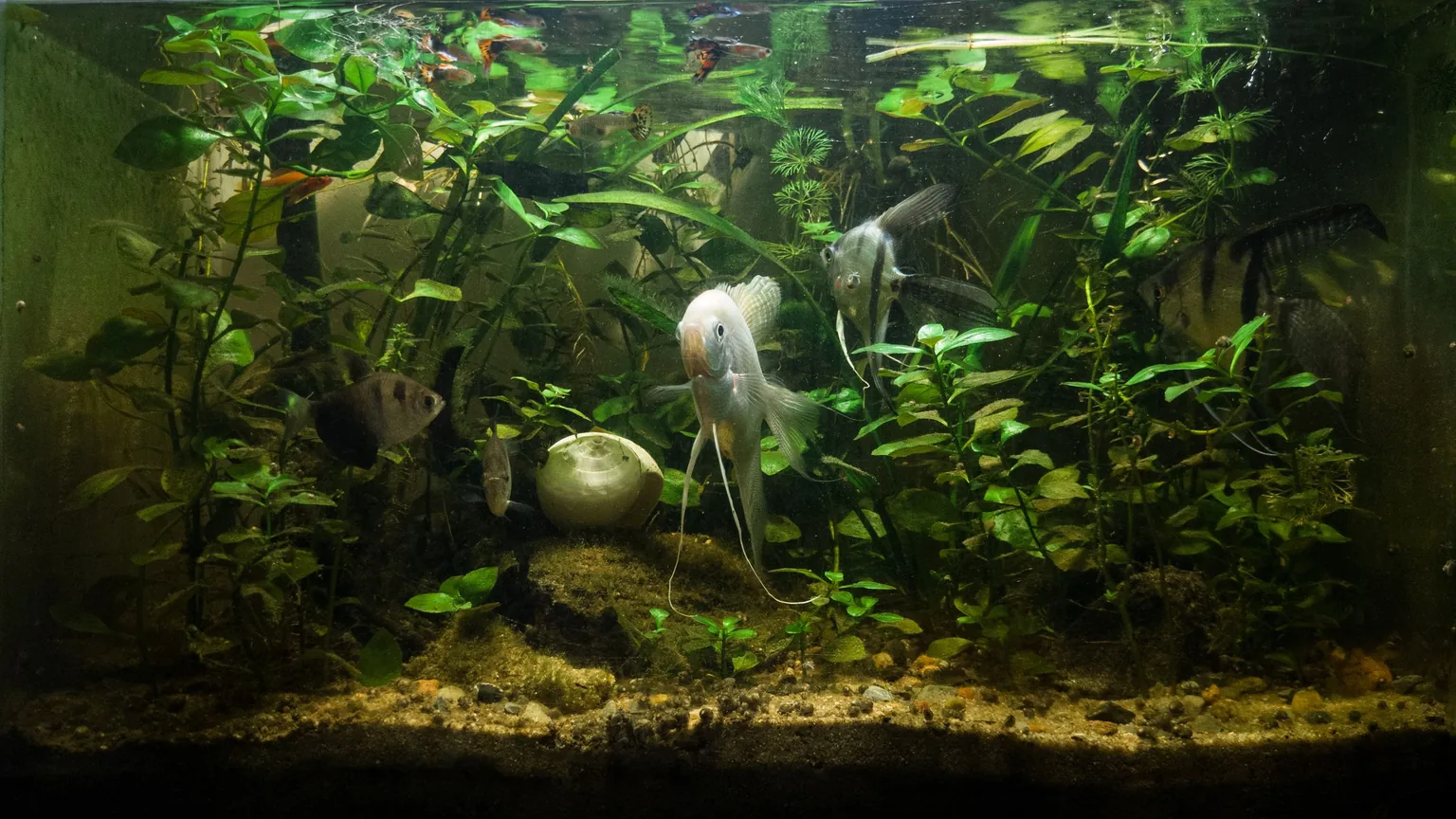
Let me carry one example through so none of this floats off into the abstract. Say you help run Eastside Aquascapers - 130-odd members scattered around Box Hill and Melbourne's eastern suburbs, monthly meetups where people lug in their planted tanks to show off a new bit of hardscape, the occasional trimming-and-planting workshop, and a members' channel that never quite goes to sleep. You've built the site already (and if you haven't, that's a separate job - I've written about how to build a membership website elsewhere), but right now it lives at something like eastsideaqua.someplatform.com, or worse, a string of numbers and dashes nobody could read back to you over the phone. A custom domain fixes that, and it happens to do a couple of useful things at once.

Why bother, when the free address already works?
Two reasons, and the second one matters more than the first. The first is simply that it looks legitimate. A prospective member who lands on eastsideaqua.org.au takes you a little more seriously than one who lands on a subdomain of some platform they've never heard of - fair or not, that's how people read it, and first impressions do a quiet amount of work before anyone's read a word. The second reason is the one worth caring about: the domain is yours. A free subdomain belongs to the platform you're borrowing it from. Your own domain, you own outright, and that changes what happens down the track.
Think of it as the difference between renting the sign above your door and owning it. If you ever move premises, the owned sign comes with you - the rented one stays behind.
So if a year from now you decide to move Eastside Aquascapers' site to a different platform (memberships outgrow their first home more often than you'd think), your address comes with you. Members' bookmarks keep working, the link you've printed on flyers and stuck in the group chat still lands, and Google doesn't have to relearn who you are from scratch. Tie yourself to a free platform subdomain and none of that is true - moving means starting your address from zero. That's the real argument, and it's an argument about five years from now, not today.
Buying one - .com.au, .org.au or .asn.au?
You buy a domain from a registrar - any of the well-known Australian ones, or an international registrar if you'd rather - and you pay for it yearly, a bit like renewing a subscription. The cost is genuinely small, which surprises people who've built it up in their heads as a big commitment. Here's roughly what you're looking at, though prices move around and registrars run promos, so treat these as ballpark rather than gospel:
- .com.au - the familiar Australian default, around $15 - $40 a year. Everyone here recognises it, though it's meant for businesses, so you'll usually need an ABN and a commercial connection to the name to register one. Watch one common trick here: the first year is sometimes dirt cheap as a promo and the renewal is a fair bit dearer, so check the renewal price, not just the signup price.
- .org.au - the natural home for not-for-profits, clubs and community groups, at much the same $15 - $40 a year. The catch is there are eligibility rules - broadly, you need to be a genuine non-commercial organisation, and the registrar may ask for something like an incorporated association number or an ABN - so check the current rules on your registrar's page before you get attached to a name. If Eastside Aquascapers is an incorporated association with paperwork, .org.au is a nice signal that you're the real thing.
- .asn.au - set aside for associations, clubs and special interest groups, again around $15 - $40 a year, with similar eligibility checks. It's less familiar to the public than .org.au, but it's often easier to find the name you want. If you're a looser group of mates who like planted tanks with no paperwork at all, a plain .com is far less hassle.
Don't agonise over which one. Pick the address you'll actually remember and can say out loud without spelling it - that's worth more than the extension on the end. And if the .org.au you wanted is already taken, don't stress about it; the .asn.au version is completely respectable, and most people will read either one as a proper club anyway. Even if all you've got so far is a single page - and a one-page site for your association is a perfectly good place to start - it still deserves a proper address of its own.
Pointing it at your site - the bit that sounds scary and isn't
This is the part everyone dreads, and it's honestly the easiest thing in the whole exercise. All you're doing is telling the internet "when someone types eastsideaqua.org.au, send them over here to where the site actually lives." The domain is a signpost; the little settings you fill in are the arrow on it. There are two kinds of arrow you'll bump into, and you don't need to understand the plumbing behind either:
- An A record points your domain at a numeric address (an IP address - think of it as the site's actual GPS coordinates).
- A CNAME points your domain at another name instead - usually your platform's own address - and lets that end sort out the numbers for you.
Which of the two do you use? Whichever your membership platform tells you to. This is the important bit that saves you all the worry: you don't decide this yourself, and you don't need to know the theory. Your platform hands you either an IP address (for an A record) or an address to point at (for a CNAME), along with step-by-step instructions. You log in to wherever you bought the domain, find the DNS settings, and type in the one or two values they gave you. That's the entire job. You're not configuring a server or writing anything - you're copying a couple of values into a form. If you can fill in a booking form, you can do this.
Genuinely a 20-minute job. Buying the domain is about ten minutes with a credit card. Pasting in the DNS record your platform gives you is another five. The rest is just waiting for it to take effect. If someone's quoted you a day of "technical setup" for this, they're either padding the bill or making it sound harder than it is.
What to expect after you hit save
One thing that catches people out: it doesn't switch over the instant you save. DNS changes take a little while to spread around the internet (the technical word is propagation, if you ever need to google it), and in the meantime eastsideaqua.org.au might show nothing, or an error, or the old page. Don't panic when that happens - it's completely normal and it's not something you've broken. Most of the time you'll see it go live within 1 - 2 hours, occasionally a few hours, and once in a blue moon it drags out toward a full day. So make yourself a coffee, go trim some stem plants, and check again later….
The honest rule of thumb: give it a couple of hours before you expect anything, and a full 24 hours before you assume something's actually wrong. If a day's gone by and it's still dead, nine times out of ten it's a small typo in the record you pasted - a stray space, or a missing dot on the end - so go back and check that first before you assume the worse.
Email on your domain - the bonus most people miss
Here's the part people forget comes bundled in. Once you own eastsideaqua.org.au, you can also have email addresses on it - [email protected], [email protected], that sort of thing - and that looks a world more professional than running the whole community from one committee member's personal Gmail. When a new member gets a reply from [email protected], it feels like they're dealing with the organisation rather than with Steve's private inbox, and it means the address survives even when Steve eventually hands over the treasurer's role to someone else.
You've got options here and they run cheap to less-cheap. Plenty of registrars will throw in basic email forwarding for free - anything sent to [email protected] simply lands in your normal Gmail, which is the no-cost way to start and honestly enough for a lot of communities. If you want proper mailboxes you can send from as well, a service like Zoho (which has a free tier for a small number of users) or Google Workspace does that for a modest monthly cost per person. My advice is don't rush it - set up free forwarding on day one, and only pay for the fancier version later if you find you actually need it.
Connecting a domain is one of those jobs that's a good deal smaller than its reputation, and once it's done it's done - you'll not think about it again for a year until the renewal notice arrives. Anggota is built so this end of it is about as painless as it gets (we hand you the exact record to paste in, and there's a green tick when it's connected so you're not left guessing), and you can try it for free if you'd like to see how it fits. But none of the steps above are ours to own - buy the domain, point the record where your platform tells you, wait an hour or two, add email when you're ready - and they work exactly the same whatever tool you've built your membership site on. Get yourself a proper address either way; your community's earned one.