

EN, Language: English
Language
EN, Language: English
Help centre
Guides and answers for running your organisation on Anggota.
Payment options
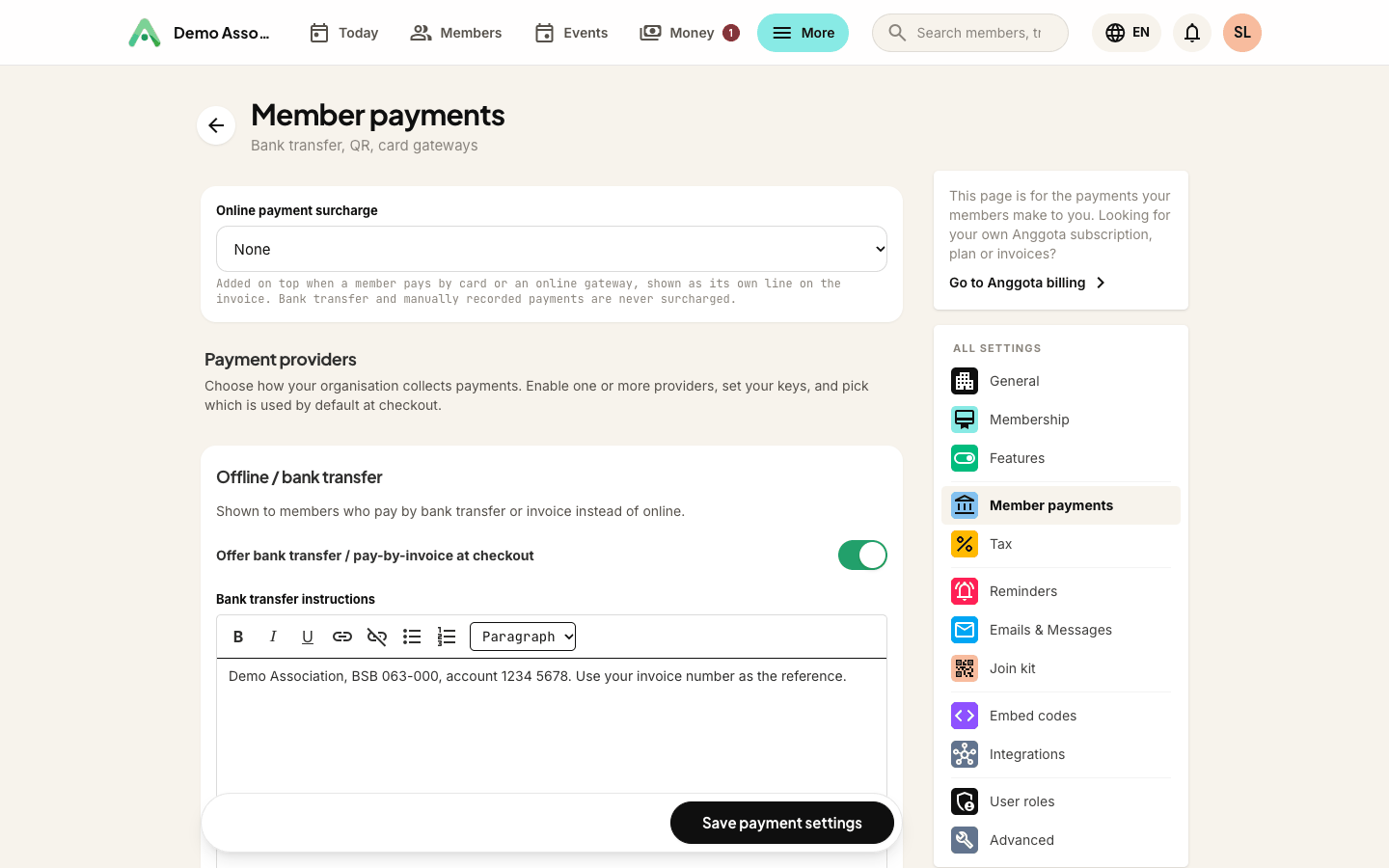
Anggota gives you two ways to get paid, and you can use either or both: offline (bank transfer or a QR code, free) and an online payment gateway. Set them up under More → Settings → Member payments.
Option 1 - Bank transfer or QR code (free)
Upload a QRIS image (or any bank QR). At checkout, members see the code and the amount due, pay from their banking or e-wallet app, and tap a button to tell you they have paid. There are no gateway fees, as the money goes straight to your account. This is the simplest way to start.
See the full flow in QR payments and reconciliation.
Write your bank details once. The bank transfer and pay by invoice instructions you fill in under Settings → Member payments are now shown on the offline payment page itself, along with the amount due, so a member paying for a course or an event ticket can see exactly where to send the money without waiting for an email.
Option 2 - Connect a payment gateway
Connect your own Stripe, PayPal, Xendit or DOKU account to take card and online payments directly, with the money settling to you. Each provider has a sandbox (test) and live mode, and you enter your own keys, so the account and the money stay yours.
Only Stripe and PayPal can hold a recurring authority. That matters for two things: automatically renewing memberships and repeat donations. Both are offered only when one of those two is connected. On Xendit, DOKU or QRIS the option is hidden, rather than shown and then quietly ignored. Everything else works the same on every provider.
What you can charge for
The same payment methods apply everywhere money changes hands:
- Membership - joining fees
- Renewals - keeping membership current, by invoice or by automatic renewal
- Event registration - paid tickets
- Donations - one-off giving, and repeat gifts on Stripe or PayPal
If you charge GST, PPN or SST on any of these, see Tax (GST, PPN, SST).
Tip: many Indonesian organisations start with a QRIS code because it is free and quick to set up, then add a gateway later once card payments become worthwhile. You are never locked in.
Still stuck? Reach your Anggota contact and we will walk you through it.
mailContact us