

EN, Language: English
Language
EN, Language: English
Help centre
Guides and answers for running your organisation on Anggota.
Segments and tags
Once your member list gets long, scrolling through it stops being practical. Tags and segments let you pick out the people you need (the committee, say, or everyone due to renew this month) and message just them.
Tags
A tag is a simple label you attach to a member: Committee, Volunteer, VIP, Sponsor or whatever fits your organisation. A member can have as many tags as you like. Add or remove them from any member's profile.
Segments
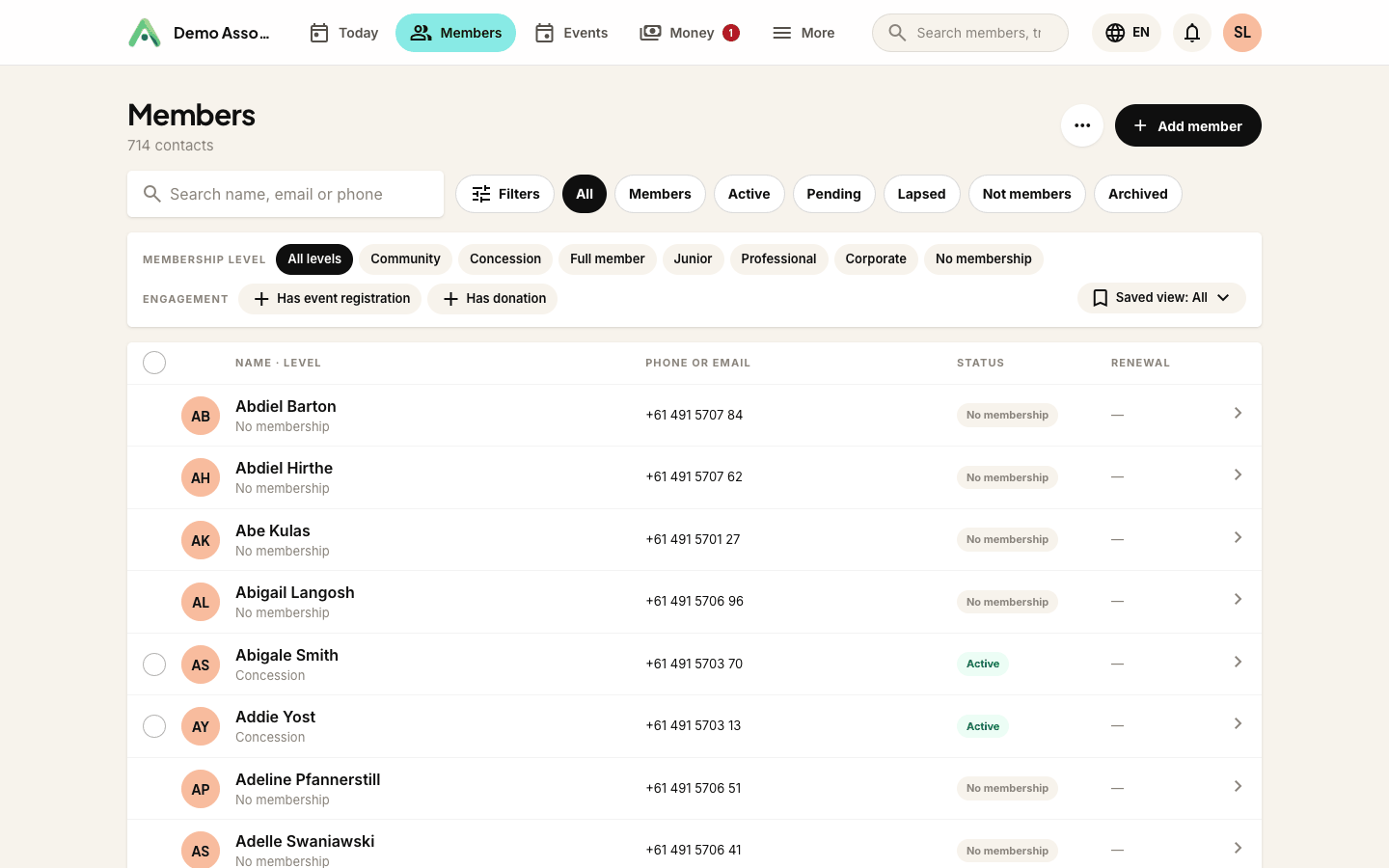
A segment is a saved filter: a live group defined by rules rather than a fixed list. For example, "members in Bandung whose membership expires this month". Because it is rule-based, a segment always shows who matches right now, with no manual upkeep.
Putting them to work
- Find people fast - filter the directory by tag or segment.
- Communicate to the right group - send a message or email to a segment instead of everyone.
- Report - see how many members fall into each group at a glance.
Tip: keep your tags few and meaningful. A handful of clear tags is far more useful than dozens of overlapping ones. Use segments for anything that changes over time, like renewal status.
Next: find anyone in seconds with search, filters and Advanced search.
Still stuck? Reach your Anggota contact and we will walk you through it.
mailContact us